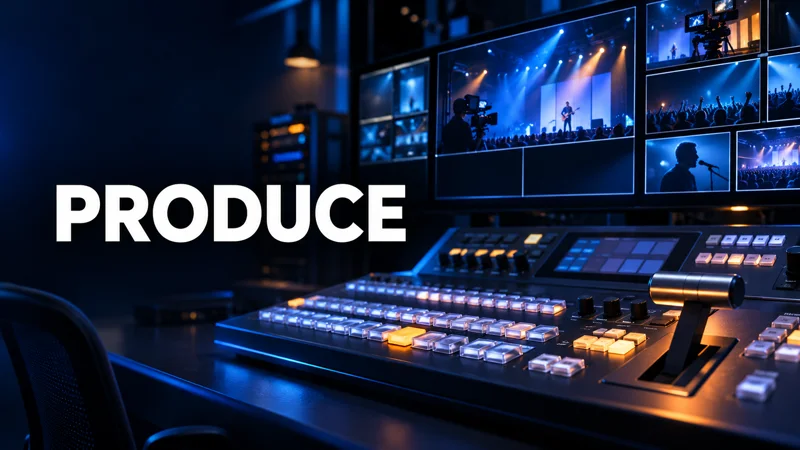
Build your stage
Invite guests, share a screen, play prerecorded clips, and arrange up to ten sources on screen. Add your logo, background, and overlays.
AILYAKWEB LIVE PRODUCTION
Bring guests, graphics, clips, and audience comments together in one browser studio. Go live in Full HD or record your next episode.
● FULL HD · UP TO 10 ON SCREEN · UP TO 8 DESTINATIONS
THE PRODUCTION TOOLKIT
One workspace for your live shows, interviews, and services.
Invite guests, share a screen, play prerecorded clips, and arrange up to ten sources on screen. Add your logo, background, and overlays.
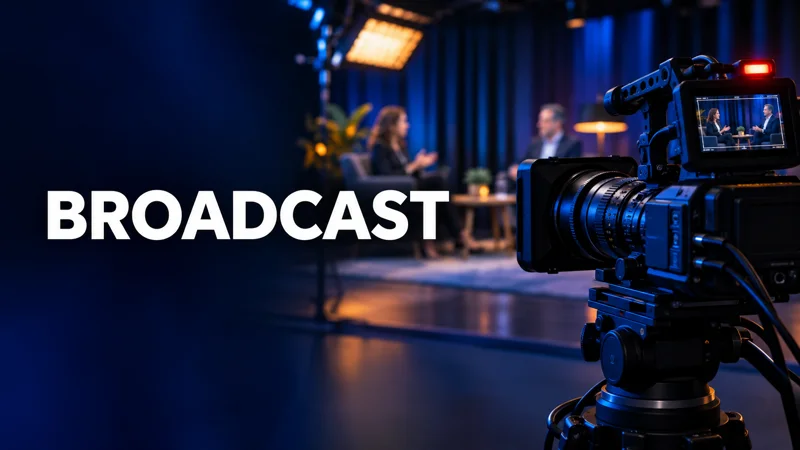
Send one Full HD program to up to eight configured RTMP destinations. Spotlight audience comments on screen.
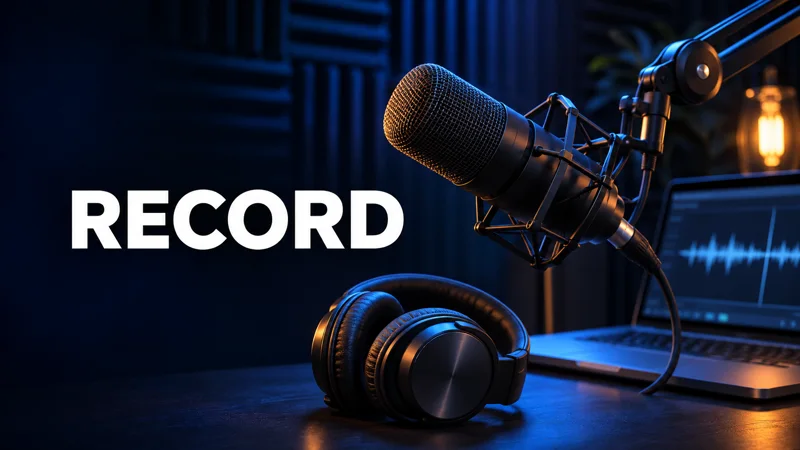
Download the program and a separate audio file. Guests can record and download their own camera and mic on their device.
YOUR BROADCAST WORKFLOW
Enter your display name, test your camera and mic, and decide who appears on Program before the broadcast starts.
BROADCAST CONTROL
Preview mode · Camera, switching and local recording run in this browser. Accounts, guest rooms and streaming run on the VPS edition.
GUEST LOBBY
AUDIENCE COMMENTS
The host can choose to display your name and comment on air.
AILYAKWEB HELP
Submit a request anytime. The Ailyakweb team can review it in the admin panel.